
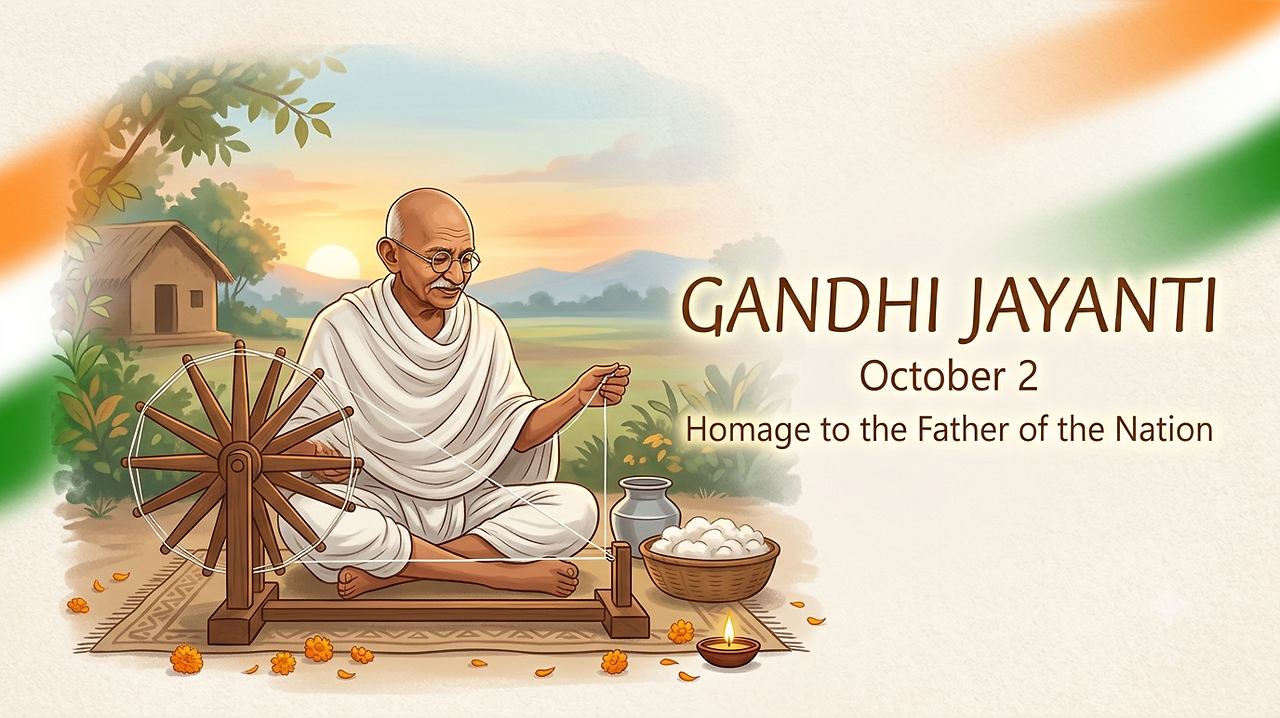
The nation will celebrate the Gandhi Jayanti on Friday to commemorate the birth anniversary of Mahatma Gandhi. The day is marked across India with tributes, prayers and events remembering ‘The Father of the Nation’ and his role in the country’s freedom struggle.
Many people also use social media to share Gandhi Jayanti messages, quotes, photos and videos with friends and family. WhatsApp status is one of the popular ways to share short videos and wishes on the occasion.
Download Free Gandhi Jayanti WhatsApp Status Videos
If you are planning to post a Gandhi Jayanti video on WhatsApp, Instagram or Facebook, you can look for short clips featuring Mahatma Gandhi, his famous messages, patriotic visuals or Gandhi Jayanti greetings. Several platforms offer videos that can be used for social media posts. However, users should check the usage rights of a video before downloading and sharing it, particularly when using content for commercial purposes.
How To Download Gandhi Jayanti WhatsApp Status Videos
Downloading a video on a smartphone usually takes only a few steps. Open the video you want to save and press and hold it. Depending on the platform and device, you may see an option such as Download, Save Video or a similar option.
On a computer, you can right-click on the video and look for the Save Video or Download option supported by your browser. Platforms such as Canva and Pexels offer a range of visual content, but users should check the licence and usage conditions before reposting or modifying any video.
AI tools can also be used to create customised Gandhi Jayanti videos. Users can describe the type of video they want and generate visuals based on their prompt. Tools such as Gemini and Google Flow can be used to experiment with AI-generated videos. Users can describe a Gandhi Jayanti-themed scene, add suitable text and create a short clip for social media. If you plan to create an image or video featuring yourself alongside Mahatma Gandhi, make sure the final content is clearly understood as AI-generated and does not present a fictional interaction as a real historical event.
How To Upload Gandhi Jayanti Video On WhatsApp Status
Once you have saved the video, uploading it as a WhatsApp status is straightforward. Open WhatsApp on your smartphone and go to the Updates tab. Tap the option to add a new status and select the Gandhi Jayanti video from your phone’s gallery.
You can add a caption, text or emojis before posting the video. WhatsApp also allows users to adjust their status privacy settings, so you can decide which contacts can see the post. After making the required changes, tap the Share button to publish the video as your WhatsApp status.
